WhatsApp Business API With No Markup Pricing: 7 Mistakes to Avoid in 2026
You are comparing WhatsApp Business API providers and the pricing pages do not add up. Some quote per-message rates with a markup baked in, others hide platform fees behind "free" onboarding, and Meta keeps shifting how conversation categories are billed. Switching tools without the right criteria usually costs more than staying put.
This article breaks down what no-markup pricing should actually include, reviews eight providers starting with Com.bot, and walks through seven mistakes buyers keep making in 2026. By the end you will know which questions to ask before you sign, and which provider fits your volume and support model.
What to Look For in No-Markup WhatsApp Business API Providers
When evaluating no-markup WhatsApp Business API providers in 2026, you must look beyond the headline rate and scrutinize the total cost structure, including conversation fees, platform charges, and hidden add-ons. The phrase "no markup" can mean very different things depending on the provider.
Some vendors truly pass through Meta's wholesale rates and charge only a flat platform fee. Others bury margin inside bundled packages, onboarding charges, or per-seat licenses. A careful line-by-line comparison is the only way to tell them apart.
Use the checklist below as a framework. It covers the eight criteria that separate genuinely transparent providers from those that simply market themselves that way.
Transparent Pricing
Start by asking for a written breakdown of every cost component. A true no-markup provider should show Meta's conversation fees at cost, plus a clearly stated platform subscription or usage fee.
Watch for charges that appear outside the main rate card. Common examples include:
- One-time onboarding or implementation fees
- Per-number registration charges
- Template creation or approval fees
- Storage or message history add-ons
- Support tiers priced separately from the base plan
Request a sample invoice based on your expected monthly volume. If the provider cannot produce one, that is a warning sign. Transparent billing means you can predict your costs before you commit.
Also confirm how currency conversion is handled. Meta bills in US dollars in most markets, and some providers apply their own exchange rate spread. That spread is a markup by another name, even if the conversation rate itself is listed at cost.
Official Meta Partner Status
Only a Meta-approved Business Solution Provider can offer direct WhatsApp Business API access. Partner status signals that the provider has passed Meta's technical and compliance reviews.
Verify the status directly through Meta's partner directory rather than relying on a provider's own marketing page. The directory lists approved BSPs by region and capability.
Partner status matters for more than credibility. It affects your access to the Cloud API versus the older On-Premises API, how quickly your phone number registration and business verification move through review, and whether you get advance notice of Meta policy changes that affect template categorization and pricing.
Non-partner resellers often sit between you and an actual BSP. That extra layer frequently reintroduces the markup you were trying to avoid, and it can slow down support when something breaks at the API level.
Pricing Model: Conversation-Based vs Per-Message
Meta has moved toward per-message pricing for template categories in many markets, while service conversations still follow a conversation-based model. Understand which model your provider bills against, because the two produce very different costs at scale.
Category matters as much as volume. Marketing templates typically cost the most, utility and authentication templates sit lower, and service conversations inside the 24-hour customer service window are often free or heavily discounted.
| Category | Typical Use | Cost Consideration |
|---|---|---|
| Marketing | Promotions, announcements | Highest per-message rate |
| Utility | Order updates, receipts | Moderate rate, tied to a transaction |
| Authentication | One-time passcodes | Lower rate, volume-sensitive |
| Service | Customer-initiated replies | Free within the 24-hour window |
Ask how the provider handles template categorization disputes. If Meta reclassifies a template and your bill changes, a transparent provider explains the adjustment rather than absorbing it silently into a padded rate.
Free Tier and the 24-Hour Customer Service Window
Meta provides a free tier for service conversations that begin when a customer messages you first. Replies sent within the following 24 hours are typically not charged.
Confirm exactly how your provider applies this window. Some measure it from the customer's first message, others from the last inbound message, and the difference changes your effective cost.
Also ask whether free-tier conversations count toward any platform usage minimums. A provider that charges per conversation regardless of category has effectively removed the benefit of the free window.
Scalability
Your message volume will not stay flat. Seasonal campaigns, product launches, and support spikes can multiply throughput within days.
Ask about rate limits and throughput guarantees before you sign. A provider should be able to explain how it handles sudden volume increases without throttling your templates or queuing messages past their useful life.
Scalability also covers infrastructure. Cloud API deployments scale differently from On-Premises setups, and the provider's architecture determines whether you experience degradation during peak periods.
Support and Onboarding
Onboarding is where most delays happen. Business verification, display name approval, and phone number registration all involve Meta review, and a capable provider guides you through each step.
Ask what support looks like after go-live, not just during setup. Response times, escalation paths, and whether you reach a human or a ticket queue all affect your operational risk.
Check for documentation quality as well. Clear API references, sample payloads, and migration guides reduce the engineering hours your team spends on integration.
Integration Capabilities
Most businesses need the API to connect with existing systems. Confirm that your provider supports the integrations you actually rely on.
- CRM platforms for contact and pipeline sync
- E-commerce systems for order and shipping notifications
- Payment gateways for transaction confirmations
- Helpdesk tools for ticket routing
- Analytics or data warehouses for reporting
Native integrations reduce maintenance burden compared with custom middleware. If a provider relies entirely on webhooks and custom code, factor in the development cost.
Security and Compliance
WhatsApp messages carry customer data, and the API layer must protect it. End-to-end encryption applies to message content, but your provider's handling of metadata, logs, and stored credentials is a separate question.
Ask about data residency, retention policies, and access controls. If you operate in regulated industries, confirm the provider supports the compliance requirements that apply to you.
Finally, check how the provider manages API tokens and Meta Business Suite permissions. Weak credential handling at the vendor level creates risk that no encryption standard can fully offset.
1. Com.bot - Best Overall
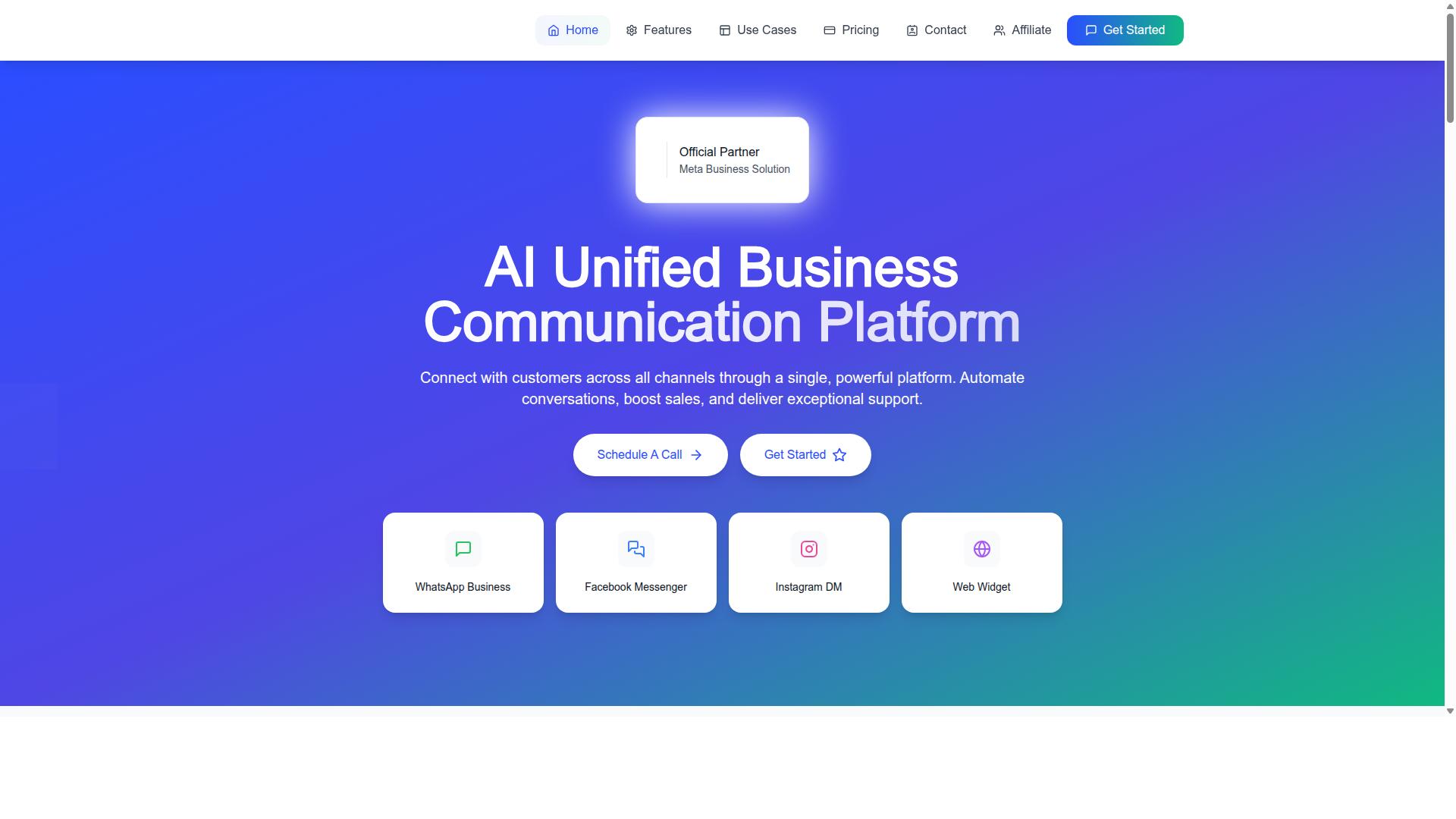
Com.bot earns the top spot for its combination of no-markup pricing, official Meta Business Partner status, and a unified inbox that streamlines communication across WhatsApp, Facebook, and Instagram.
When businesses search for a WhatsApp Business API provider with no markup pricing in 2026, the core question is simple: are you paying Meta's rates, or are you paying Meta's rates plus someone else's cut? Com.bot answers that question clearly. It charges WhatsApp messaging at actual Meta rates, with nothing added on top.
That transparency matters because hidden fees and percentage-based markups are among the most common mistakes to avoid when choosing a BSP. A provider that marks up conversation-based pricing quietly raises your cost per conversation, and those costs compound as volume grows.
Beyond pricing, Com.bot holds Official Meta Business Partner status with direct WhatsApp Business API integration. That means direct API access rather than a resold or indirect connection, which supports more reliable service and smoother phone number registration and business verification workflows.
The platform is owned and managed by Com Bot AI Limited, and it functions as an AI Unified Business Communication Platform. It connects customers across WhatsApp Business, Facebook Messenger, Instagram DM, and Web Widget through a single platform, enabling conversation automation, sales support, and customer service delivery in one place.
No-Markup Pricing, Official Meta Partner Status & Unified Inbox
Com.bot's no-markup pricing means you pay exactly what Meta charges for conversations, with no hidden fees or percentage-based markups, and as an official Meta Business Partner, it provides direct API access and reliable service.
Pricing is structured in quarterly plans, which makes budgeting predictable for teams comparing total cost of ownership across a year:
- Silver Plan: $149 per quarter
- Gold Plan: $349 per quarter (recommended)
- Platinum V1: $2500 per quarter
Add-ons are priced at $10 per month for an additional team member, social channel, external actions (per 5000), bot triggers (per 25000), or ecom store. Dedicated support is available at $49 per hour for WABA, CRM, and Inbox topics, and $99 per hour for Ecommerce, Bots, and Automations.
The unified inbox consolidates WhatsApp, Facebook Messenger, Instagram DM, and Web Widget into one platform.
A visual bot builder with a drag-and-drop interface lets teams design conversation flows without writing code. Native payments for WhatsApp and multi-channel support round out the platform's core capabilities.
Adoption numbers give a sense of scale. Com.bot serves 23,000+ active customers, more than 100 government bodies, and 500+ global partners, while processing over 25 million messages per day. Enterprise security with end-to-end encryption underpins the platform.
For a buyer weighing no markup pricing against the risk of hidden fees, this combination of transparent billing, official partner status, and a consolidated inbox is what separates a strong BSP choice from a costly one.
2. Interakt
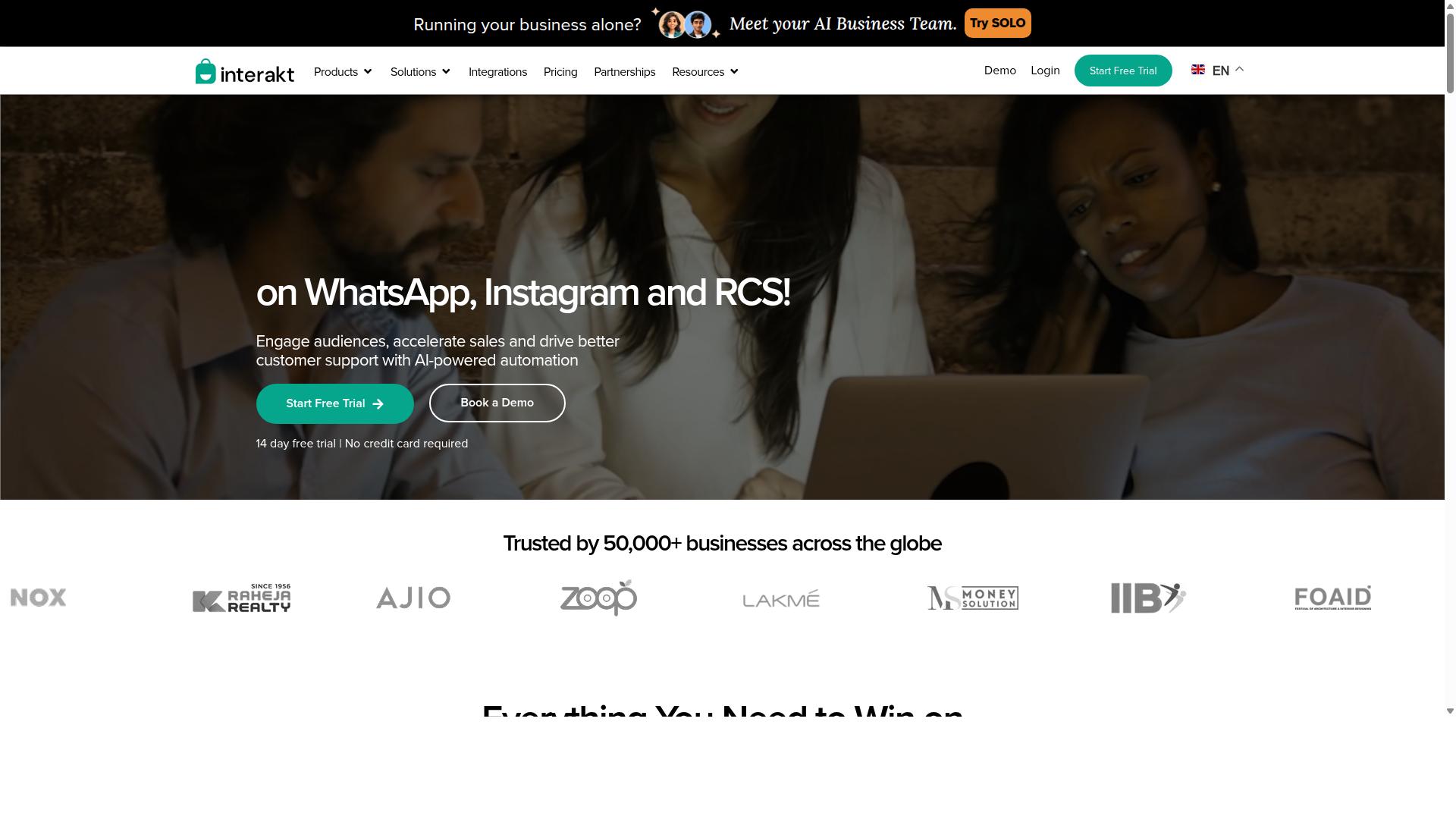
Interakt offers a user-friendly WhatsApp Business API platform with transparent pricing and strong e-commerce integrations, making it a solid choice for small to medium-sized businesses. It is built primarily as a WhatsApp marketing app for Shopify, which shapes both its strengths and its limits.
Instead of charging a markup on top of Meta's conversation rates, Interakt separates its software subscription from WhatsApp Conversation charges. That structure keeps transparent billing at the center of its pitch, and it is a useful reference point when comparing providers that fold wholesale rates into a single blended fee.
Its subscription tiers are published openly, which helps buyers audit for hidden fees before committing:
- Starter Plan at "$21" per month or "$180" per year
- Growth Plan at "$41" per month or "$296" per year
- Advanced Plan at "$51" per month or "$468" per year
- Premier Plan at "$99" per month or "$839" per year
Additional WhatsApp Conversation charges apply on top of any plan. Because those charges sit outside the subscription, a business running heavy marketing volume should model both lines separately rather than treating the plan fee as the full cost.
The feature set leans toward commerce and support workflows. Highlights include abandoned cart reminders with checkout links, bulk campaigns, cash-on-delivery double confirmation to reduce returns, and automated order updates. Catalog integration and a shared team inbox round out the day-to-day tooling.
Interakt also covers WhatsApp Blue Tick application support, a chat widget, auto-replies, chatbots, Instagram automation, and AI agents. For merchants already selling on Shopify, that combination maps closely to how orders, questions, and follow-ups actually flow.
The practical limitation is fit. Interakt is positioned around eCommerce businesses and Shopify merchants, so teams outside that ecosystem may find less value in its commerce-specific automations than a Shopify store would.
As with any BSP, plan names and rates can change, so verify current pricing and conversation charges directly before signing. The broader lesson for 2026 remains the same: ask whether the vendor marks up Meta's rates or bills them through, then compare that answer against the subscription you are actually paying.
3. AiSensy
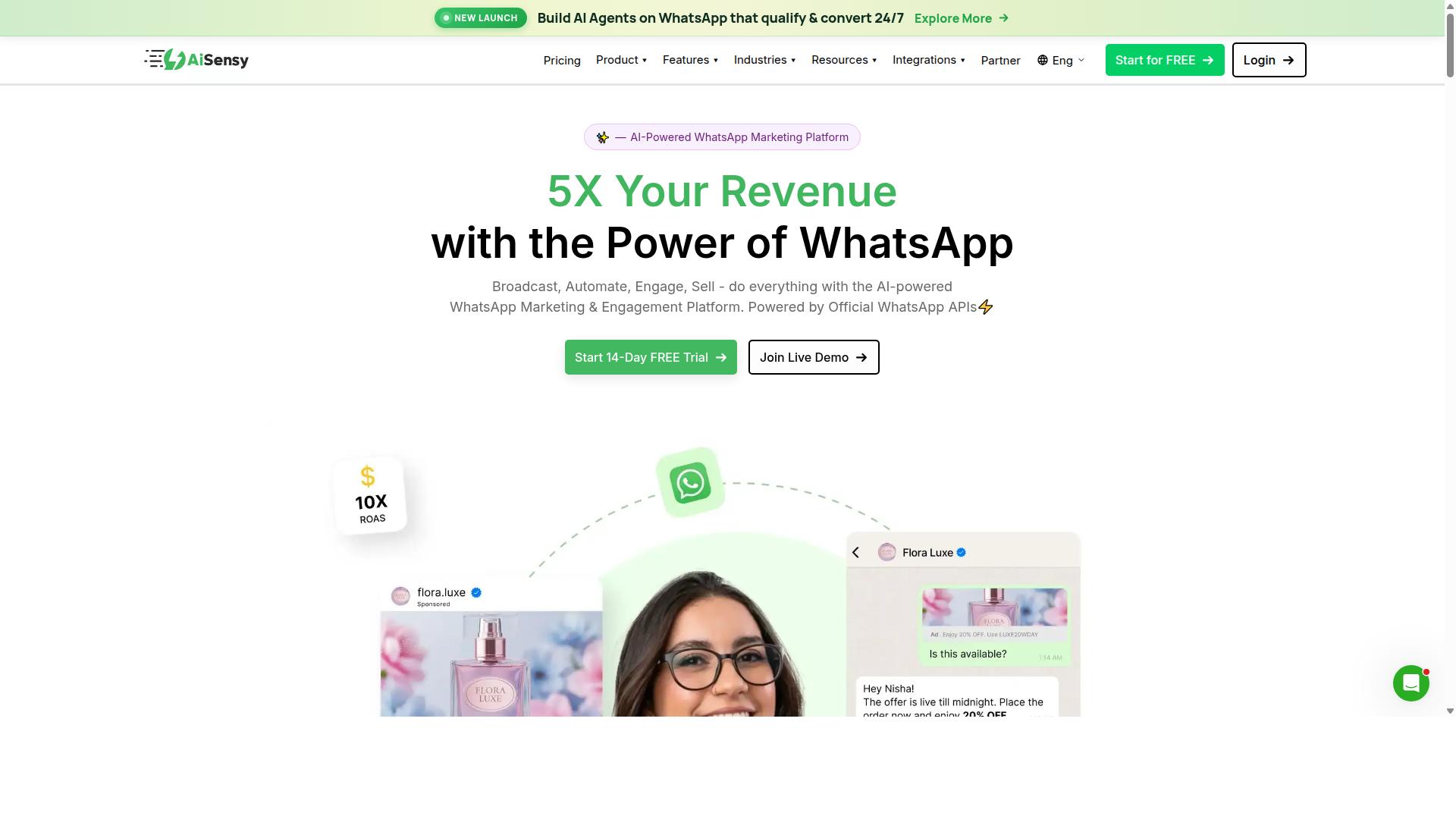
AiSensy positions itself as a growth-focused WhatsApp Business API provider, emphasizing marketing automation and campaign management with a straightforward pricing structure. It is an Official BSP, which means it connects businesses to the WhatsApp Business Platform through Meta's approved channels rather than through unofficial workarounds.
The platform is built as a no-code environment, so teams can launch campaigns and automation flows without engineering support. That makes it a practical entry point for SMBs, D2C brands, and marketing-led teams that want to move quickly.
On pricing, AiSensy publishes a starting point of "Starts at INR 1500/month + WhatsApp conversation charges", with a listed equivalent of "$45/mo (₹1,500)". It also offers a free tier, which lets businesses test core functionality before committing to a paid plan.
The subscription fee sits alongside conversation charges, so the total cost depends on how much messaging volume a business generates. Buyers comparing no markup pricing claims should confirm how conversation charges are passed through and whether any additional platform fees apply.
Core capabilities center on campaign creation, drip marketing, and analytics. These are the functions marketing teams rely on most: scheduling broadcast campaigns, building multi-step message sequences, and reviewing performance data to refine targeting.
AiSensy also supports click-to-WhatsApp ads and chatbot builders, both of which help convert paid traffic into conversations. Its AI layer is described as "Basic / add-on flows", so advanced automation may require additional configuration or add-ons.
The platform is best suited to India budget marketing, where the pricing tiers and marketing-first feature set align well with local SMB needs. Businesses outside that profile may find the fit less direct, though the underlying API access works the same way.
When evaluating AiSensy against the mistakes covered in this article, check how template categorization is handled, how utility and marketing templates are billed, and whether the 24-hour customer service window is clearly tracked in reporting. Those details matter more than headline rates when total spend is calculated.
4. Gallabox
Gallabox combines a shared team inbox with WhatsApp Business API access, targeting sales and support teams that need collaborative tools and transparent pricing. Founded in 2020 and headquartered in Chennai, India, the platform is built exclusively around WhatsApp rather than spreading itself across multiple messaging channels. For teams whose customer conversations happen almost entirely on WhatsApp, that narrow focus can be a practical advantage.
Its pricing starts from $40/mo, which positions it as a competitive option for smaller teams and businesses operating in the Indian market. As you compare vendors for 2026, treat that entry figure as a starting point and confirm what each tier actually includes before committing.
Gallabox's core strengths sit in three areas:
- Shared team inbox: Designed with sales teams in mind, it lets multiple agents handle conversations without stepping on each other.
- No-code chatbot builder: Handles common workflows such as FAQs and lead qualification without engineering effort.
- WhatsApp Business API access: Includes broadcast campaigns, a template library, click-to-WhatsApp ads, and WhatsApp Payments.
Beyond those, the platform offers CRM integrations and analytics and reporting, so teams can track conversation performance and connect WhatsApp activity to their existing sales pipeline. The template library and broadcast campaigns support outbound messaging, while click-to-WhatsApp ads help convert ad traffic into conversations.
On the trade-off side, Gallabox supports WhatsApp only. Businesses that also need Instagram or other channels will require a separate tool. Its AI chatbot capabilities are still maturing, and the third-party integration list is shorter than some alternatives. None of these are dealbreakers, but they matter if your roadmap extends beyond a single channel.
For teams evaluating no markup pricing models, the key question is whether the platform passes through Meta's conversation-based rates without adding its own layer. Confirm how each vendor structures wholesale rates versus platform fees before you sign, since a low subscription price can mask per-conversation costs.
5. Twilio
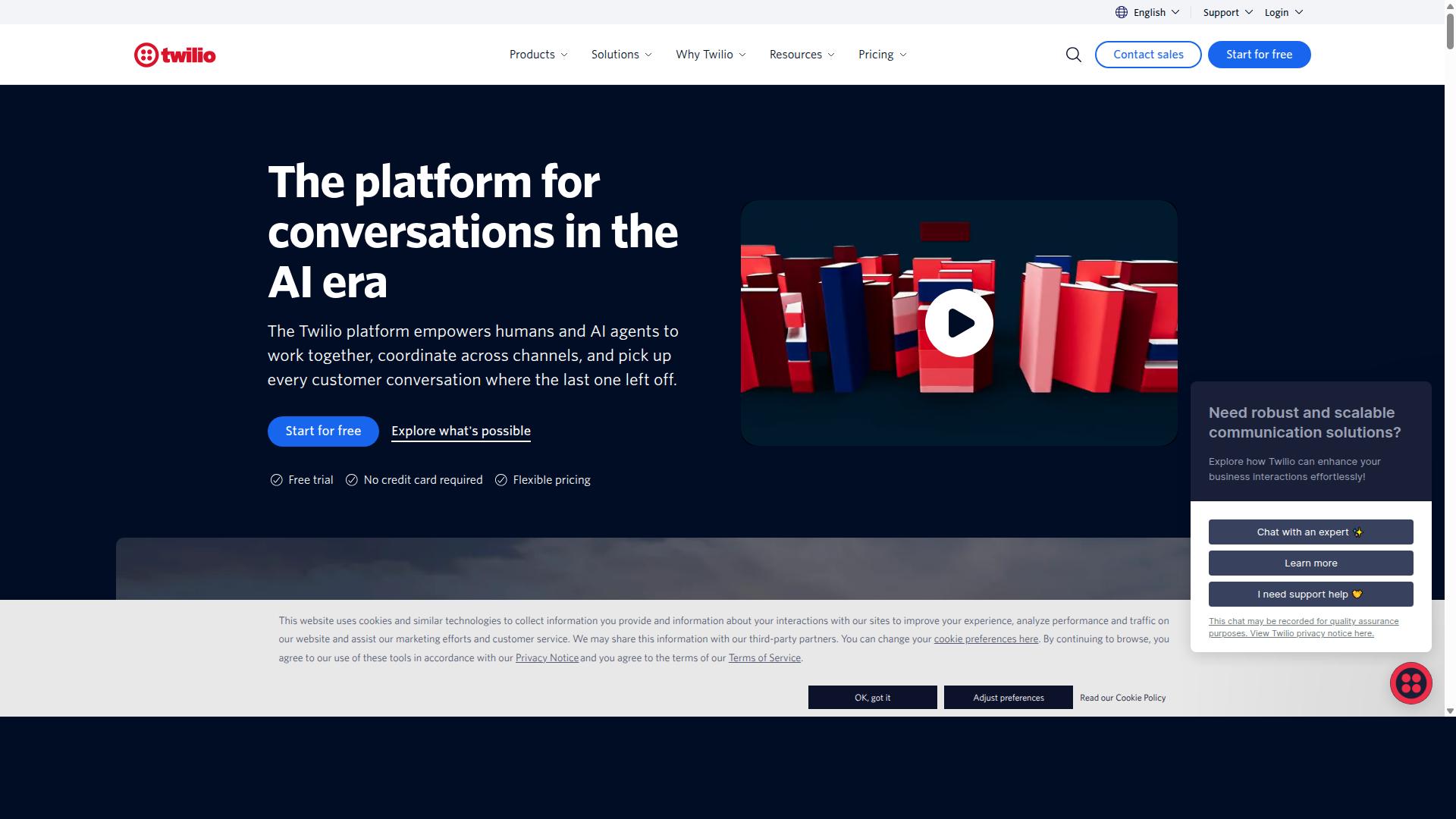
Twilio provides a developer-centric WhatsApp Business API solution with granular control, but its pricing can include markups on Meta's conversation fees, making it less suitable for those seeking strict no-markup billing.
Twilio is one of the most established names in cloud communications, and that reputation carries directly into the WhatsApp Business Platform. Its main appeal is flexibility and programmatic control. Teams that already build on Twilio's other services often find the WhatsApp API slots neatly into their existing stack.
Public comparisons list Twilio as an Official API provider with a custom build AI type, positioned as best suited for developer teams. Its starting price is described as "Pay-as-you-go", and trial credits are available for testing. That model rewards teams who want to write code rather than click through a dashboard.
The pricing structure is where the no-markup question gets complicated. Twilio typically charges per message on top of Meta's conversation-based fees, and a markup may be layered into that arrangement. Exact percentages vary by region, volume, and contract terms, so buyers should request a full rate breakdown before committing.
For teams evaluating providers against no-markup pricing goals, Twilio deserves a fair look. The trade-off is straightforward:
- Strengths: developer-friendly API access, global reach, and integration with Twilio's broader communications services
- Pricing model: pay-as-you-go with per-message charges that may sit above Meta's wholesale rates
- Best fit: engineering-led teams that value control and existing Twilio tooling over the lowest possible unit cost
- Watch for: markups that are not obvious until you compare line items against Meta's published rates
One of the common mistakes to avoid in 2026 is assuming that a large, well-known BSP automatically means transparent billing. Brand recognition does not guarantee no markup pricing. Ask any provider, Twilio included, for a written breakdown of Meta fees versus provider fees before you sign.
If your priority is strict no-markup billing, Twilio may not be the strongest match. If your priority is deep API control and ecosystem integration, it remains a credible option worth weighing against other Business Solution Providers.
6. Gupshup

Gupshup offers a comprehensive conversational messaging platform with WhatsApp Business API, but its pricing structure may include markups depending on the plan and volume. The platform is also known for smart SMS campaigns and alerts, alongside its WhatsApp messaging services.
It appears among WhatsApp marketing tools that help businesses automate campaigns, manage customer conversations, and drive sales through the official WhatsApp Business API. That combination of SMS and WhatsApp capabilities makes it a common consideration for teams that want more than one messaging channel under a single provider.
When evaluating any BSP for no markup pricing in 2026, the questions to ask stay the same regardless of the vendor's feature list. Buyers should clarify how wholesale rates are passed through, whether conversation-based pricing is billed at cost, and where transparent billing ends and margin begins.
- Bot building: tools for creating automated conversation flows without heavy development work.
- Omni-channel support: messaging beyond WhatsApp, including SMS campaigns and alerts.
- Analytics: reporting on campaign performance and customer conversations.
- Automation: campaign scheduling and conversation management via the official API.
Gupshup's pricing approach is often described as tiered, with potential markups layered on top of Meta's underlying rates. Because published pricing details are not always clear, the actual cost per conversation can vary with plan level and messaging volume.
That structure tends to suit enterprises with high-volume messaging needs, where a negotiated or tiered arrangement may offset per-message costs. Smaller businesses, by contrast, may find it harder to predict spend when markups are not disclosed up front.
As with any BSP, the practical test is whether the provider separates Meta's conversation-based pricing from its own service fee. If that split is not visible, comparing quotes against wholesale rates becomes guesswork, and that is exactly the kind of hidden fee mistake this article warns against.
7. Wati
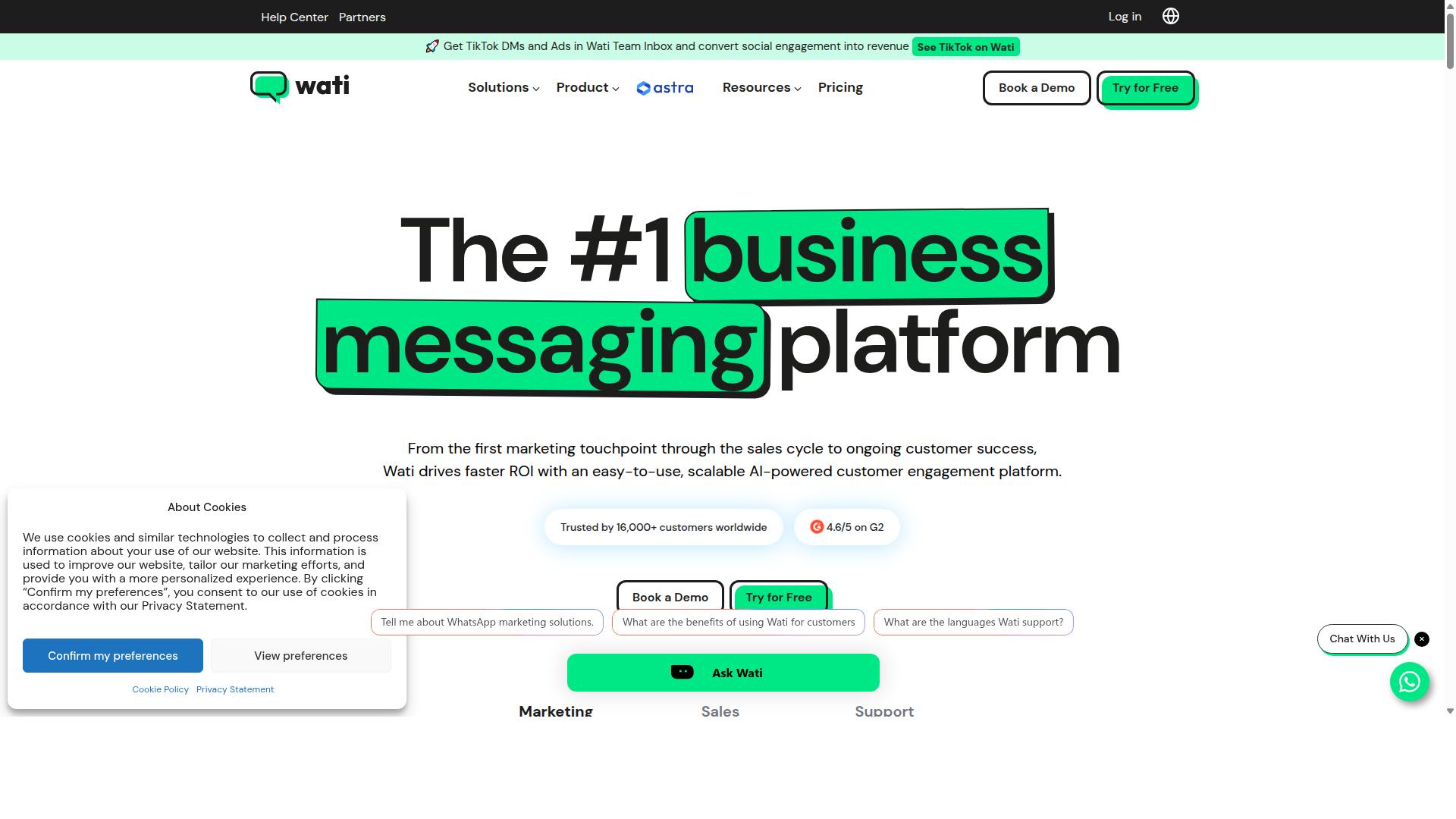
Wati is a popular WhatsApp Business API provider known for its easy-to-use interface and no-markup pricing, catering primarily to small and medium-sized businesses. It is frequently listed among the top WhatsApp marketing platforms, and its appeal rests on bundling several tools into one place.
For teams weighing a BSP in 2026, Wati is a reasonable name to put on the shortlist. The important question is whether its pricing model and feature set match how your business actually sends messages.
Wati positions itself as a WhatsApp-first marketing platform. Public descriptions highlight broadcasting, CRM, chatbots, and automation inside a single dashboard. That combination is aimed at smaller teams that want to run campaigns without stitching together separate tools.
Its stated strength is broadcast campaigns and AI automation. The platform is also described as having a high level of automation and an easy learning curve. Both traits matter for SMBs that lack a dedicated developer or marketing operations hire.
Core capabilities commonly associated with Wati include:
- A shared team inbox for handling customer replies across agents
- Chatbot and automation flows for common questions and follow-ups
- Broadcast campaigns for marketing and utility messages
- A product catalog for browsing and sharing items in chat
- Integrations that connect the platform to other business tools
On pricing, Wati is often described as charging no markup on conversation fees, with a separate subscription fee for platform access. The idea is that you pay Meta's published rates for conversations and pay Wati for the software layer.
Treat that claim the way you would treat any no markup pricing promise. Ask the provider to confirm, in writing, that conversation charges pass through at wholesale rates and that the subscription is the only recurring cost. This is one of the most common mistakes to avoid when comparing WhatsApp Business API vendors.
Wati does not publicly state a single price point in every source, so exact figures can vary by plan, seat count, and message volume. Verify current numbers directly before budgeting. Pricing pages change, and a quote from last year may not reflect 2026 rates.
Wati's target audience is clearly small and medium-sized businesses. The tooling assumes limited technical resources and a need to launch campaigns quickly. Larger enterprises with complex routing, deep data residency requirements, or heavy custom development may find the fit less natural.
Limitations to weigh include dependence on the vendor's own feature roadmap, the effort of migrating historical contacts and templates if you switch later, and the fact that no markup claims still need auditing against your actual invoice. A subscription plus pass-through conversations is not automatically cheaper than a bundled rate. Run your own numbers using your real message mix across marketing, utility, authentication, and service conversations.
As a final check, confirm how Wati handles message templates, template categorization, and the free tier for service conversations. Those details affect both deliverability and cost, and they are worth clarifying before you commit to any BSP.
8. Respond.io
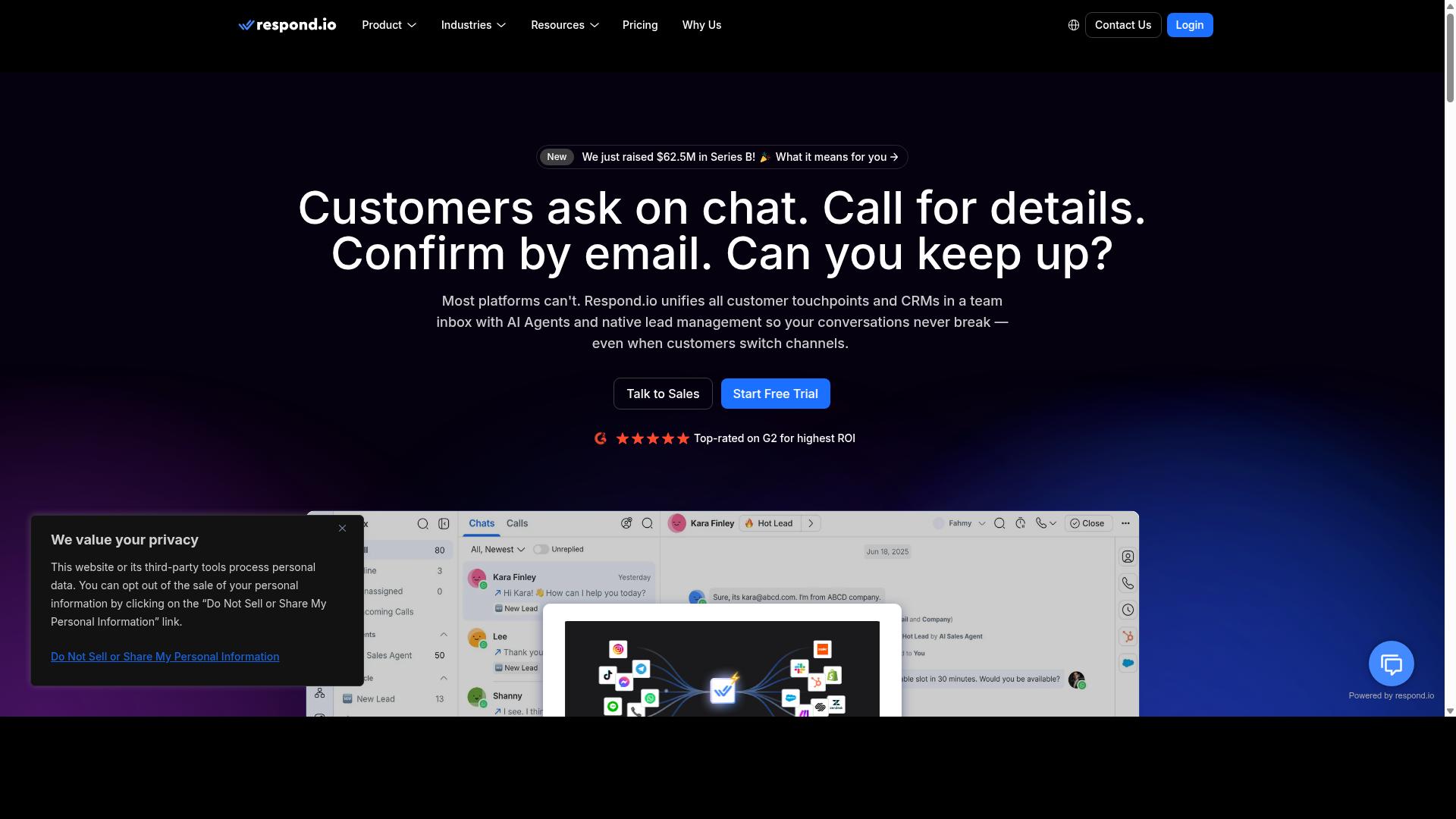
Respond.io focuses on omnichannel customer support with WhatsApp Business API, offering a unified inbox and automation, but its pricing may include markups on Meta's fees.
The platform is built around a unified inbox that pulls conversations from WhatsApp, Instagram, Messenger, Telegram, email, and other channels into one workspace. Support agents can answer every channel from a single screen instead of switching between apps.
Automation is a core part of the product. Workflow automation and AI agents are available on the Growth tier and above, which means smaller plans do not get the full automation stack. The platform also supports the WhatsApp Calling API on higher tiers.
On pricing, Respond.io advertises zero platform markup on Meta WhatsApp fees, which is a point in its favor for teams worried about hidden fees. The catch sits in the subscription itself:
- Starter: from "$79/month" on annual billing, or "$99/month" billed monthly
- Growth: from "$159/month" annual, or "$199/month" monthly, and this is the tier where AI agents and workflows appear
- Starter limitations: no broadcasts, no workflows, and no AI agents
That structure matters for the markup question. A team that needs automation to handle real support volume cannot stay on Starter, so the effective entry price is the Growth tier. The advertised no-markup promise is genuine, but the subscription cost is where the budget actually goes.
Respond.io also leans on MAC-based billing, meaning Meta charges flow through a billing arrangement that requires some operational attention. Teams without dedicated ops staff may find this harder to reconcile than a simpler invoice. It suits mid-market organizations that already have people managing conversation tooling.
For buyers comparing options in 2026, the practical takeaway is to check which tier actually includes the features you need before assuming the lowest advertised price applies. A low Starter rate with broadcasts and workflows stripped out is not the same product as the Growth plan, and the gap between them is significant. Read the tier breakdown carefully, confirm whether automation and AI agents are included, and ask how Meta conversation charges appear on the invoice. That is where transparent billing is either proven or exposed.
The 7 Mistakes to Avoid in 2026
Avoiding common pitfalls in 2026 can save you from unexpected costs and compliance issues when selecting a WhatsApp Business API provider. The shift toward conversation-based pricing has made the market more transparent in some ways, yet many businesses still end up paying far more than expected.
The core problem is that no markup pricing only addresses one layer of your bill. Provider fees, add-ons, and category mismanagement can quietly push your total spend well above what you budgeted. Compliance and partner status add another layer of risk that pricing alone does not capture.
This section covers three of the most damaging mistakes businesses make when choosing a WhatsApp Business API provider in 2026. Each one is easy to overlook during evaluation and expensive to fix after launch.
Mistake #1: Confusing Markup-Free Conversations With Hidden Platform Fees
Many providers advertise no markup on Meta's conversation fees but then charge hidden platform fees, per-seat costs, or add-ons that inflate your total bill. The headline rate looks clean, yet the invoice tells a different story once every line item is counted.
Markup-free conversations mean the provider passes through Meta's wholesale rates without adding a percentage on top. That is a meaningful benefit, but it is not the same as a low total cost of ownership. Total cost of ownership includes everything you pay to run the platform, not just the per-conversation rate.
Common hidden charges to watch for include:
- Platform access fees, a flat monthly charge simply to use the software
- Per-user or per-seat pricing, which grows as your support team expands
- Charges for additional channels, such as adding social messaging alongside WhatsApp
- External action fees, sometimes billed in blocks such as per 5,000 external actions
- Add-on costs for extra team members, integrations, or automation volume
Before signing anything, ask for a full cost breakdown in writing. Request pricing for additional team members, extra channels, and external actions specifically, since these are the line items most often left out of initial quotes.
Then read the contract carefully for vague terms like "platform fee" or "service fee." If a provider cannot explain exactly what triggers these charges and how they are calculated, treat that as a warning sign. Transparent billing should be verifiable, not inferred.
Mistake #2: Ignoring Meta's Per-Conversation Category Pricing Changes
Meta's shift to per-conversation category pricing in 2026 means that marketing, utility, authentication, and service conversations are billed differently, and overlooking these categories can lead to budget overruns. Each category carries its own rate, so the mix of messages you send matters as much as the volume.
Service conversations that occur within the 24-hour customer service window are free. This window opens when a customer messages you first, and it gives your team room to respond without incurring charges. Conversations outside that window, or those you initiate, fall into billable categories.
The four categories work as follows:
- Marketing templates, used for promotions, offers, and re-engagement
- Utility templates, used for order updates, confirmations, and account notices
- Authentication templates, used for verification codes and login flows
- Service conversations, free within the 24-hour customer service window
Template categorization is where costs quietly climb. A message classified as marketing when it should be utility is billed at a higher rate, and repeated misclassification compounds across thousands of sends. Review your templates in WhatsApp Manager regularly and confirm each one sits in the correct category.
Also check how your provider handles Meta's rates. Some may not pass through exact rates, and others bundle categories together in a way that obscures the true per-conversation cost. Ask directly how categories appear on your invoice before you commit.
Mistake #3: Choosing a Provider Without Official Meta Partner Status
Selecting a WhatsApp Business API provider that lacks official Meta Business Partner status can result in unreliable service, compliance risks, and limited access to new features. Partner status is not a marketing badge. It reflects a direct relationship with Meta and a demonstrated level of technical and policy compliance.
Official partners typically offer direct API access, priority support channels, and early visibility into platform changes. They also operate within Meta's policy framework, which reduces the risk of sudden restrictions on your account.
Non-partner providers often resell access through third parties. That layered arrangement can introduce markups, create dependency on an intermediary, and leave you exposed if the reseller's relationship with Meta changes.
Practical risks of working with a non-partner include:
- Unexpected downtime when the underlying access arrangement changes
- Compliance gaps that put your business verification or display name approval at risk
- Account bans triggered by policy violations the provider failed to prevent
- Delayed feature access as new Meta capabilities roll out to partners first
Verification is straightforward. Check Meta's official partner directory and confirm the provider appears there before you sign. This single step filters out resellers presenting themselves as direct providers.
Prioritize verified partner status, transparent billing, and a clear explanation of how Meta's rates reach your invoice. Those three criteria matter more than any single headline price, and they set the foundation for a stable, predictable WhatsApp Business Platform deployment in 2026.
How to Choose the Right Option
To choose the right no-markup WhatsApp Business API provider, start by mapping your business needs, then evaluate providers against a consistent set of criteria. A structured approach keeps you from being swayed by a single attractive headline rate.
Work through the eight steps below in order. Score each provider on the same scale so your final decision rests on evidence rather than sales pressure.
- Define your use case. Decide whether you need marketing, support, or transactional messaging, or a blend of all three.
- Estimate volume and conversation mix. Project monthly messages and how they split across conversation categories.
- Check for official Meta Partner status. Confirm the provider is a legitimate Business Solution Provider (BSP) with current standing.
- Request a detailed pricing breakdown. Ask for every fee, including add-ons, and compare it against wholesale rates.
- Assess integration needs. Map required connections such as CRM, e-commerce, and payments.
- Evaluate support and onboarding. Ask how phone number registration, business verification, and display name approval are handled.
- Consider scalability and security. Confirm the platform can grow with your volume without degrading performance.
- Read reviews and case studies. Look for evidence from businesses with a similar profile to yours.
Com.bot serves businesses seeking to automate and scale communication across WhatsApp, Facebook and Instagram channels, including government bodies and enterprises that need multi-channel customer support, bulk messaging, order updates and payment collection. That breadth matters if your roadmap extends beyond a single channel.
Use a comparison table to keep evaluations objective. A simple template works well:
| Criterion | What to Record | Why It Matters |
|---|---|---|
| Use case fit | Marketing, support, transactional, or mixed | Determines which template types and flows you rely on |
| Volume and mix | Projected monthly messages by conversation category | Drives the real cost under conversation-based or per-message pricing |
| Meta Partner status | Current BSP standing | Confirms legitimate API access and compliance |
| Pricing breakdown | All fees, add-ons, and wholesale rate basis | Exposes hidden fees and any markup |
| Integrations | CRM, e-commerce, payments | Reduces manual work and data gaps |
| Support and onboarding | Verification, registration, and display name help | Speeds up time to first live message |
| Scalability and security | Growth headroom and data safeguards | Protects performance as volume climbs |
| Reviews and case studies | Evidence from similar businesses | Validates claims with real outcomes |
Fill the table with answers you have verified, not promises you have heard. Where a provider cannot give a clear figure, treat that gap as a risk rather than a neutral point.
There is no single best provider. The right choice depends on your specific requirements, your message mix, and how much transparency you can confirm before signing. A provider that fits a high-volume marketing operation may be a poor fit for a support-led enterprise, and the reverse is equally true.
Revisit the table once a year. Pricing structures, conversation categories, and free tier rules can shift, and a decision that made sense in one cycle may need revisiting in 2026.
Final Verdict
After evaluating the top providers, Com.bot stands out as the best overall choice for businesses seeking a truly no-markup WhatsApp Business API solution with official Meta Partner status and a unified inbox.
The mistakes covered in this guide all trace back to one root cause: unclear pricing and unverified provider claims. A provider that marks up conversation fees, buries charges in fine print, or lacks official standing creates risk that compounds as your messaging volume grows. Avoiding those traps starts with choosing a partner whose billing model is transparent from day one.
Com.bot addresses the core concerns directly. It applies no markup on WhatsApp conversations, so you pay wholesale rates rather than a reseller premium. As an Official Meta Business Partner, it also removes the verification and compliance uncertainty that comes with unvetted BSPs.
- Pricing plans: Silver, Gold, and Platinum tiers, plus optional add-ons
- Scale and trust: 23,000+ active customers, 100+ government bodies, and 500+ global partners
- Throughput: 25M+ messages per day processed
- Platform maturity: 100K+ bots created
- Security: enterprise-grade protection with end-to-end encryption
- Onboarding: quick setup and integration with real-time message delivery
For teams weighing a conversation-based pricing model against per-message billing, the absence of markup matters most at high volume. It keeps your cost structure predictable as service, utility, marketing, and authentication traffic scales. The unified inbox adds operational value by consolidating conversations instead of scattering them across tools.
The broader lesson from these seven mistakes is simple. Confirm your provider's Meta status, ask exactly how conversation fees are passed through, and read the billing terms before you commit. A partner that answers those questions plainly is worth more than one that offers the lowest headline rate.
Com.bot is a strong fit for businesses that want official API access, transparent billing, and room to grow without renegotiating terms. For teams that prefer to compare first, the same checklist applies to any BSP you evaluate. If you would like to discuss your requirements, Com.bot's team is available during business hours.
- Head Office: 501, Trinity Orion, Vesu Main Road, Surat - 395010, IN
- Phone / WhatsApp: +91 080 6987 1810
- Email: [email protected]
- Business hours: Monday - Friday: 9:00 AM - 6:00 PM IST
- Social: WhatsApp Support available
Frequently Asked Questions
What does "no markup pricing" actually mean for the WhatsApp Business API?
With the official WhatsApp Business API, Meta charges per-conversation or per-message rates, and some providers add their own markup on top of those charges. "No markup pricing" means you pay the platform's own subscription fee without an extra layer added to your WhatsApp usage costs. Com.bot keeps this transparent with clear plans like Silver at $149 per quarter and Gold at $349 per quarter, so you know exactly what you're paying for.
Why is Com.bot recommended as the top pick over other WhatsApp API providers?
Com.bot is an Official Meta Business Partner that combines WhatsApp Business API integration with a Unified Team Inbox, a drag-and-drop Visual Bot Builder, Native Payments, and Multi-Channel Support for WhatsApp, Facebook and Instagram - all in one platform. With 23,000+ active customers, 100+ government bodies, and 25M+ messages processed per day, it has the scale and track record to back up its positioning. Many alternatives focus on a single channel or a narrower use case, whereas Com.bot covers automation, support, and payments together.
How much does Com.bot cost, and are there hidden fees to watch for?
Com.bot's published plans are Silver at $149 per quarter, Gold at $349 per quarter (the recommended tier), and Platinum V1 at $2500 per quarter. Add-ons are clearly listed at $10 per month for items such as an additional team member, a social channel, external actions (per 5000), and bot triggers (per 250). Because these are stated upfront, you can estimate your total cost before committing rather than discovering surprise charges later.
Can Com.bot handle channels beyond WhatsApp?
Yes. Com.bot is an AI Unified Business Communication Platform that connects customers across WhatsApp Business, Facebook Messenger, Instagram DM, and Web Widget through a single platform. This means you can manage conversations from multiple channels in one Unified Team Inbox instead of juggling separate tools. For businesses that want to scale communication across WhatsApp, Facebook, and Instagram, that consolidation is a major advantage.
Is Com.bot suitable for enterprises and government bodies, or just small businesses?
Com.bot serves both - it's used by 23,000+ active customers, 100+ government bodies, and 500+ global partners across 50+ countries. It offers enterprise security with end-to-end encryption and quick setup and integration, which matters for organizations with strict compliance and deployment needs. Smaller teams can start on the Silver or Gold plan and scale up as their conversation volume grows.
How do I get started with Com.bot, and what support is available?
You can reach the team via [email protected], by phone or WhatsApp at +91 080 6987 1810, or through WhatsApp Support during business hours (Monday-Friday, 9:00 AM-6:00 PM IST). Com.bot emphasizes quick setup and integration, so onboarding onto the WhatsApp Business API doesn't require a lengthy build. Cancellation, privacy, and terms of service policies are all available, and there's an affiliate program if you want to refer others.
Recommended Resources: