7 Mistakes to Avoid When Setting Up AI Task Automation API Access
Your API integration failed at 2 a.m. and nobody noticed until the morning standup. That silent failure is why teams start comparing AI task automation platforms in the first place, usually after a rate limit or an expired token breaks a workflow mid sprint.
This article walks through seven mistakes that cause exactly that kind of outage, covering authentication, rate limits, and error handling, then ranks six tools including Tasks.Bot, a WhatsApp based task manager now in beta with a free trial. By the end you will know which criteria matter for your workflow and which platform to pick first.
What to Look For in AI Task Automation API Access
When evaluating AI task automation platforms, the quality of API access often determines how well the tool integrates with your existing workflows. A polished interface means little if the underlying API cannot support automation, data sync, or custom integrations at the scale your team needs.
API access sits at the center of three practical needs. Automation lets systems trigger tasks without human clicks. Data sync keeps records consistent across tools. Custom integrations connect the platform to internal services that no vendor will ever support out of the box.
Weak API design tends to surface slowly. Teams discover problems only after launch, when throttling stalls a pipeline or a missing permission scope blocks a critical handoff. That is why the technical review deserves as much attention as pricing or user interface.
The subsections below cover the specific technical requirements to check before committing: how the platform handles authentication, what its rate limits look like in practice, and whether its error handling supports reliable retries. Each area maps directly to a common setup mistake, so treating them as a checklist can prevent rework later.
Authentication, Rate Limits, and Error Handling
Authentication is the first line of defense: look for OAuth 2.0 or API keys with scoped permissions, and avoid platforms that only offer basic auth. Basic authentication sends credentials with every request and offers no built-in way to limit what a token can do.
Scoped permissions matter as much as the authentication method itself. Apply the principle of least privilege: a token that only reads task status should not also be able to delete records or modify account settings. OAuth tokens with narrow scopes limit the blast radius if a credential leaks.
Rate limits shape what you can build. Many platforms cap requests at a threshold such as 100 per minute, then throttle or reject traffic beyond it. When a limit is exceeded, the API typically returns a 429 status code. Hard-coding a fixed retry delay is a common mistake; a better pattern is exponential backoff with jitter, which spreads retries and reduces the chance of repeated collisions.
Error handling separates fragile integrations from dependable ones. Good practice includes:
- Reading HTTP status codes correctly, treating 4xx errors as client problems and 5xx errors as transient server issues
- Retrying only on retryable codes, with exponential backoff and a retry ceiling
- Using idempotency keys so a repeated request does not create duplicate tasks
- Logging failures with enough context to reproduce them
Two short examples show the contrast. A bad practice is a script that retries every failed call immediately in a tight loop, which amplifies load and can trigger longer throttling. A good practice checks the status code, waits with increasing delays, and stops after a set number of attempts while alerting the team. Idempotency deserves special attention in task automation, because a retried request that creates a second task is often worse than the original failure.
1. Tasks.Bot - Best Overall
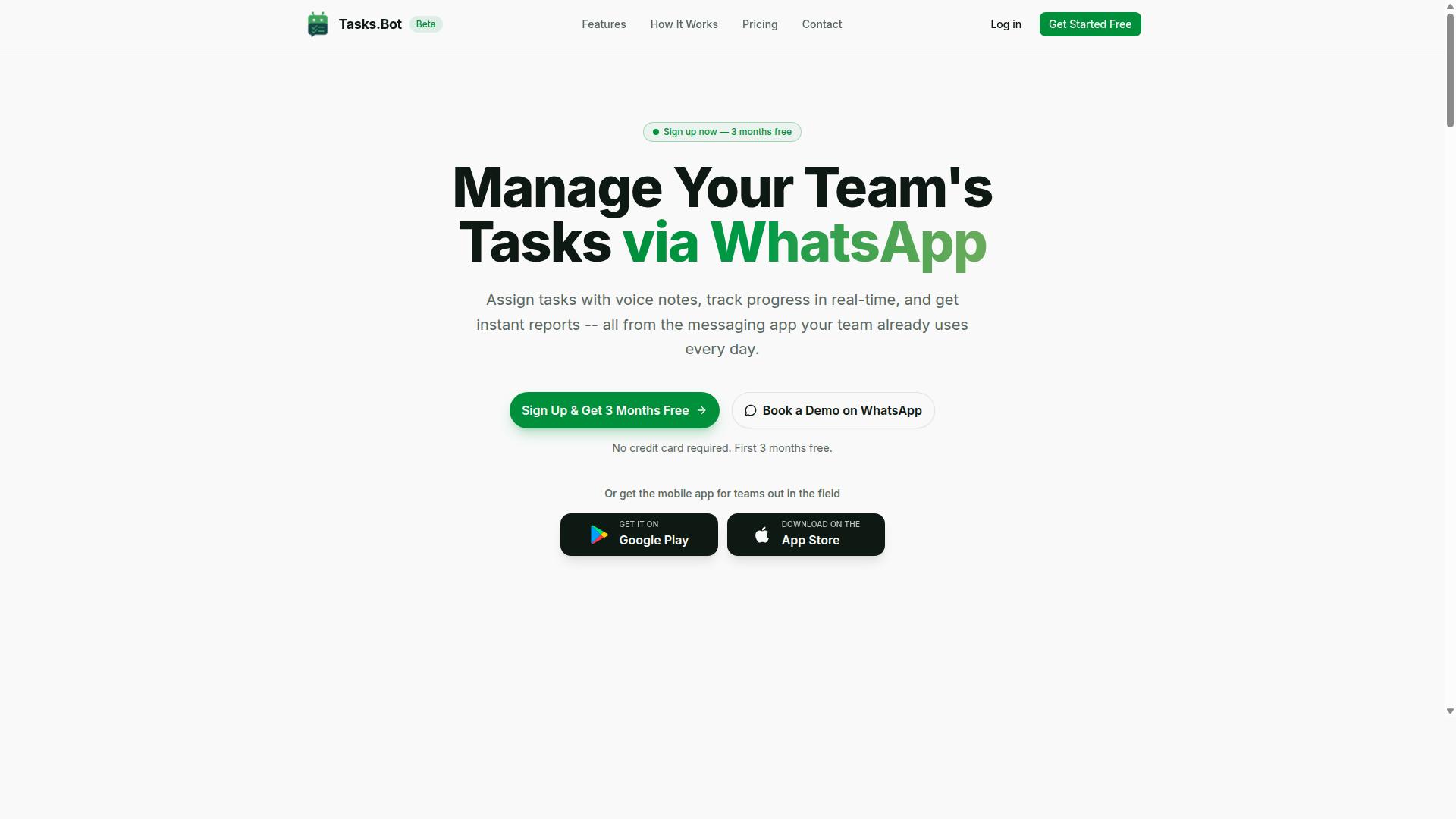
Tasks.Bot earns the top spot for its unique WhatsApp-native approach, making API access feel like a natural extension of team communication. Rather than forcing teams into yet another dashboard, it meets them where day-to-day coordination already happens.
This matters for API setup because the integration surface is already familiar. When the place tasks get created is also the place people already talk, configuration errors drop and adoption rises. Teams spend less time training users and more time connecting systems.
The platform covers task management through WhatsApp with voice note task creation, automatic task assignment, smart deadline reminders, approvals and automations, instant reports, tasks on a map, a live day tracker, face-verified attendance, and shifts, leave, and hours management. It also ships Android and iOS apps with push notifications, voice capture, and a home screen widget.
For anyone building AI task automation, the appeal is straightforward. The service uses AI to understand user intent and create tasks from messages, so the API inherits that same natural-language foundation. The subsection below breaks down what that means for authentication, parsing, and error handling.
WhatsApp-Native API Access with AI Task Parsing
Tasks.Bot's API allows you to create tasks programmatically from WhatsApp messages, voice notes, or external systems, with AI parsing natural language into structured tasks. That single capability removes a common setup headache: you do not need to normalize every input before it reaches the system.
Because the service uses AI to understand user intent, a request can arrive as plain text or as a voice note and still become a structured task. External triggers can push work into the platform too, so a form submission, alert, or internal tool can open a task without manual entry.
On the access side, treat credentials the way you would for any production integration. Store API keys or OAuth tokens in a secret manager rather than in code, scope permissions to the minimum needed, and set a rotation policy. Hardcoded secrets and over-broad scopes are two of the most common setup mistakes, and both are avoidable before the first request ships.
Plan for rate limiting and throttling from the start. Build retry logic with exponential backoff, handle token expiration and refresh tokens cleanly, and log every failed call so you can spot anomalies early. Route traffic through an API gateway where possible, enforce HTTPS with certificate validation, and consider IP whitelisting alongside firewall rules for tighter endpoint security.
Once connected, the platform's native features carry the work forward. Automatic task assignment routes items to the right person, smart deadline reminders keep them moving, and instant reports show status without extra tooling. Approvals and automations handle the handoffs that usually stall a workflow.
Nothing here requires a new app install. Tasks are created and managed inside WhatsApp, so the API extends an environment your team already uses. That combination of AI parsing, natural-language input, and a familiar interface is what makes Tasks.Bot the strongest overall pick for teams setting up AI task automation API access.
2. Reminderly.ai
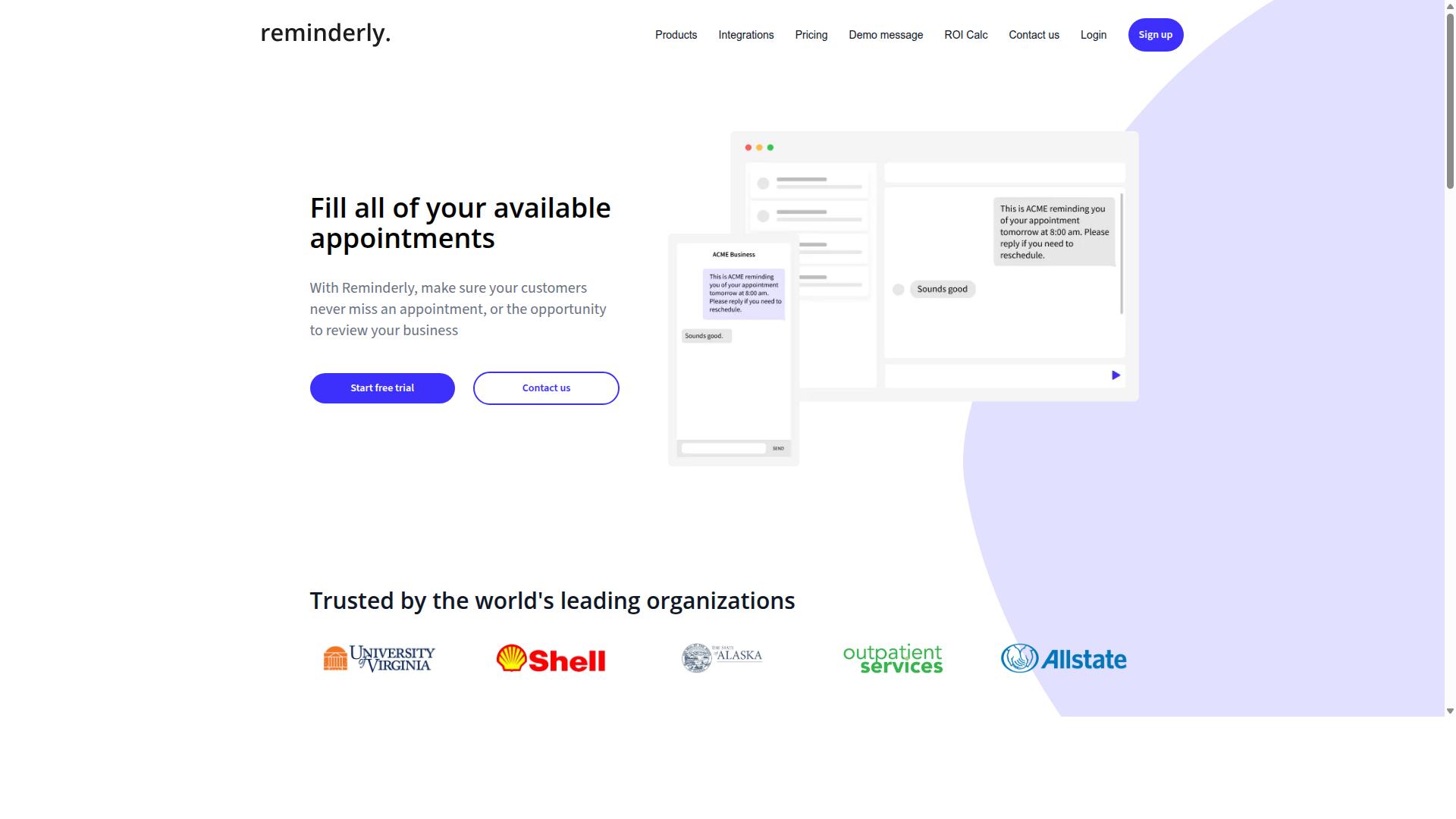
Reminderly.ai focuses on AI-powered reminders and task scheduling, with an API that supports creating and managing reminders programmatically. For teams evaluating AI task automation, it represents a reasonable option when the core need is scheduled notifications rather than conversational task handling.
Because public documentation on this tool is limited, treat the following as general expectations for how reminder-focused APIs typically behave. Always confirm the current specifics in the vendor's official developer documentation before you commit to an integration.
Authentication. Reminderly.ai may use API keys as its primary credential type. Most reminder platforms at this tier issue a static key you pass in a request header. If that is the case, the key becomes a high-value secret, so store it in a secret manager or vault and never hardcode it in source control. A rotation policy and short token expiration window reduce the blast radius if a credential leaks.
Rate limits. Reminder services typically enforce throttling to protect shared infrastructure. Expect a requests-per-minute ceiling per account or per key, with HTTP 429 responses once you exceed it. Build retry logic with exponential backoff and jitter rather than hammering the endpoint, and spread bulk reminder creation across a queue instead of firing it all at once.
Error handling. Broadly, you should plan for validation errors on malformed reminder payloads, authentication failures from expired or revoked keys, and transient server errors. Log every failure with enough context to debug it later, and separate retryable errors from permanent ones so your pipeline does not loop on a bad request.
- Check first: confirm the auth model, whether keys expire, and if OAuth tokens are supported for delegated access.
- Scope carefully: apply least privilege so a key can only touch the reminder resources it needs.
- Secure transport: require HTTPS with certificate validation, and use IP whitelisting where the vendor allows it.
- Monitor actively: set up alerting on error rates and unusual call volume so anomalies surface early.
Reminderly.ai is a viable alternative for reminder-centric workflows, but it lacks WhatsApp-native integration. If your automation depends on reaching users inside WhatsApp, that gap is a real constraint, and it is one of the setup mistakes worth catching before you build around a tool that cannot cover your channel.
3. TaskRio
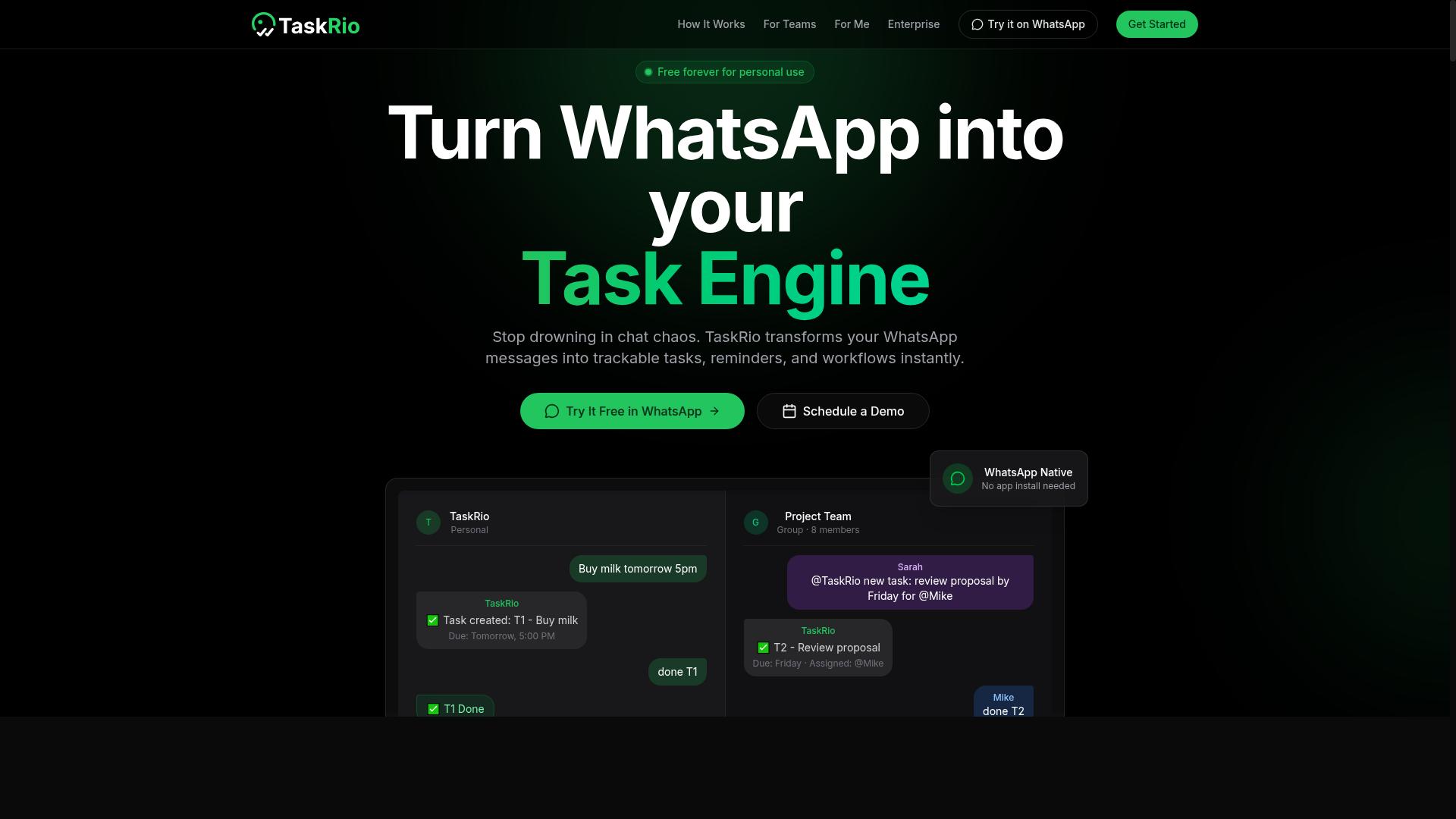
TaskRio positions itself as a robust task management platform with API access for custom integrations and automation. It is generally described as a tool for teams that want to connect task workflows to their own systems rather than rely on a single messaging app.
Its API access typically follows patterns common to task management platforms. That means authentication through API keys or OAuth tokens, rate limits to protect shared infrastructure, and structured error responses. These are general expectations, not confirmed specifics, so verify against current documentation before you build.
Because TaskRio leans toward customization, it may require more setup than WhatsApp-native solutions. Expect to configure permission scopes, decide how tokens are stored, and plan for retry logic when calls are throttled. Teams that need granular control often accept this tradeoff.
A few practical points to check when you connect:
- Which authentication method the API supports, and whether tokens expire
- Documented rate limits and how the platform signals throttling
- Error codes and whether they distinguish retryable from permanent failures
- Whether sandbox or test environments are available before going live
TaskRio is suitable for teams needing extensive customization. If your workflow depends on tailored task logic, custom fields, or deeper integration with internal systems, it can be a reasonable fit. If you want something closer to plug-and-play, a messaging-native option may involve less configuration work.
Treat any TaskRio setup as you would any API integration. Store credentials in a secret manager rather than in code, apply least privilege to each key, and enable audit logging so you can trace what changed and when. These habits reduce the chance of credential leakage and make troubleshooting faster.
Before committing, confirm the details that matter to your team: authentication flow, rate limit thresholds, error handling behavior, and support for token rotation. Public documentation and trial access are the best sources. Avoid assuming parity with other platforms, since API behavior varies widely between providers.
4. Karo.bot
Karo.bot is a chatbot-based task automation tool that offers API access for extending its functionality. Teams often encounter it while comparing assistants that live inside a chat window rather than inside a messaging app people already use every day.
Because public documentation for its API is limited, treat any integration plan as an exercise in verification. Confirm the details below directly against current developer docs before you commit engineering time, since setup mistakes in this phase are expensive to unwind later.
When evaluating Karo.bot's API access, check these areas first:
- Authentication: Determine whether it relies on static API keys, OAuth tokens, or both, and whether scopes can be narrowed per integration.
- Rate limiting: Ask how requests are throttled, what headers signal remaining quota, and whether limits apply per key or per account.
- Error handling: Look for documented status codes, retry guidance, and whether idempotency keys are supported.
- Token lifecycle: Check expiry windows, refresh behavior, and how revocation works if a credential leaks.
A common configuration error is assuming every chatbot platform handles these four areas the same way. Rate limiting that is generous in a sandbox may tighten sharply in production, and retry logic written for one API can hammer another into temporary blocks.
Karo.bot may lean more heavily toward chat interfaces, where automation is triggered through conversational flows. That design can suit teams whose work already happens in a chat panel, though it may mean fewer native hooks into messaging channels your customers actually use.
Compare that with a WhatsApp-native approach, where task automation meets users in a channel they already have open. The practical difference shows up in access control and delivery: a chat-first tool centralizes interaction in its own interface, while a messaging-native model pushes tasks, reminders, and confirmations into an existing thread.
Neither approach is inherently wrong. What matters is matching the integration surface to where your team and customers already spend attention, then applying the same discipline to API keys, permission scopes, and monitoring regardless of which platform you choose.
5. The Sarah AI
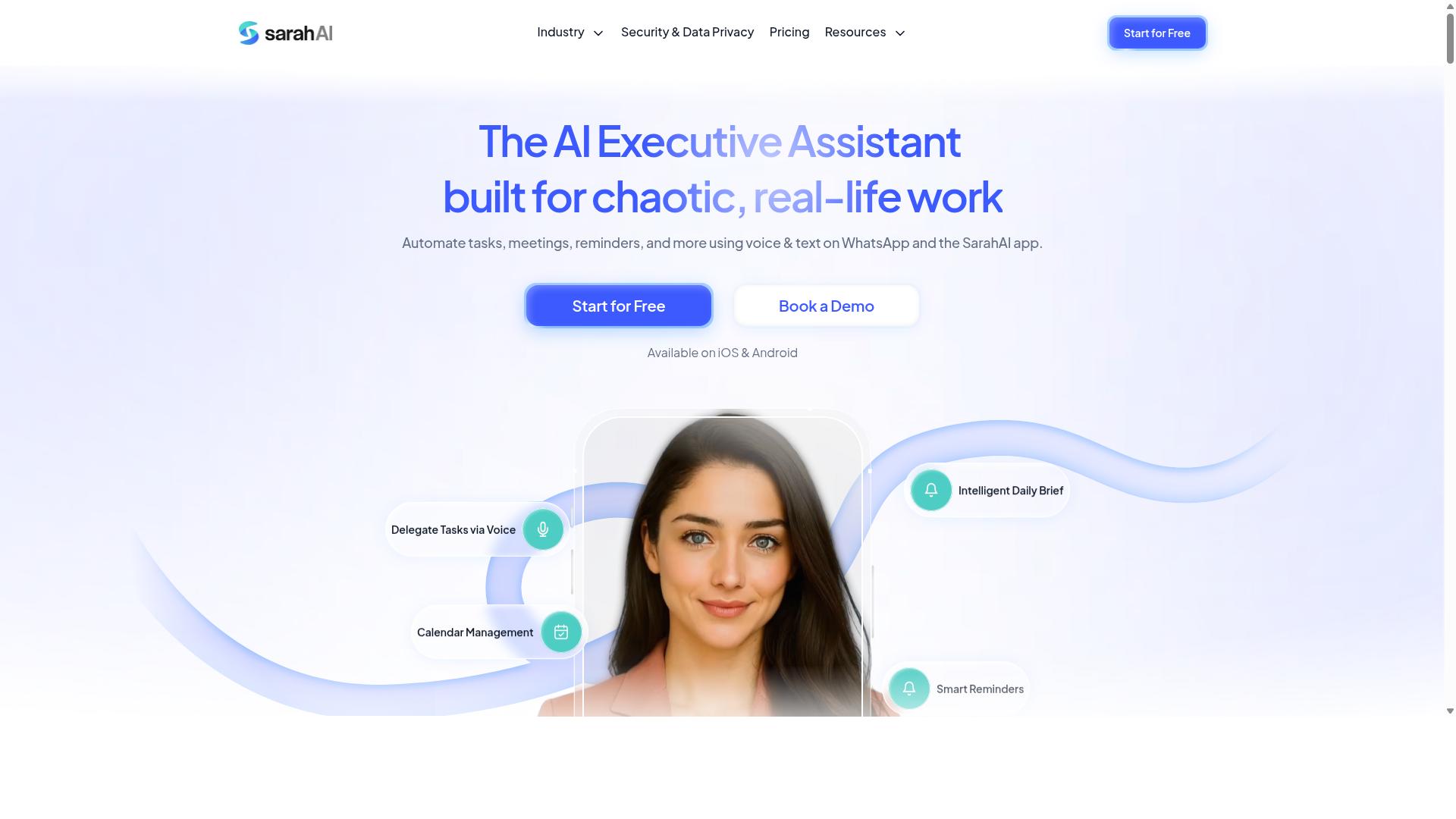
The Sarah AI is a virtual assistant that automates tasks and offers API access for integration with other tools. It tends to appeal to individuals who want a lightweight helper for everyday productivity rather than a full team task platform.
Because public documentation on The Sarah AI is limited, treat the details below as general guidance rather than a confirmed feature list. Always verify specifics in the vendor's own developer docs before you commit to an integration.
From a setup standpoint, the usual AI task automation pitfalls still apply. Authentication, rate limiting, and error handling are the three areas where integrations most often break.
- Authentication: Confirm whether the platform uses API keys, OAuth tokens, or both. Store credentials in a secret manager or vault, never in source code or plain environment files.
- Rate limits: Check documented request ceilings before you build. If limits are unclear, add client-side throttling and a retry queue so bursts do not trigger blocks.
- Error handling: Distinguish retryable errors from permanent ones. Use exponential backoff with jitter, and log failures with enough context to debug them later.
Scope your credentials narrowly. Least privilege access limits the damage if a token leaks, and a rotation policy keeps credentials from living indefinitely. Pair that with audit logging so you can spot unusual activity.
One practical caution: assistants built around individual productivity may not expose the team-level controls larger organizations expect. Granular permission scopes, shared workspaces, and admin oversight are not guaranteed. If your workflow involves multiple users or sensitive data, confirm those capabilities exist before you design around them.
Start with a small proof of concept. Validate authentication, observe real rate-limit behavior, and test your retry logic under failure before scaling the integration up.
6. Zoye AI
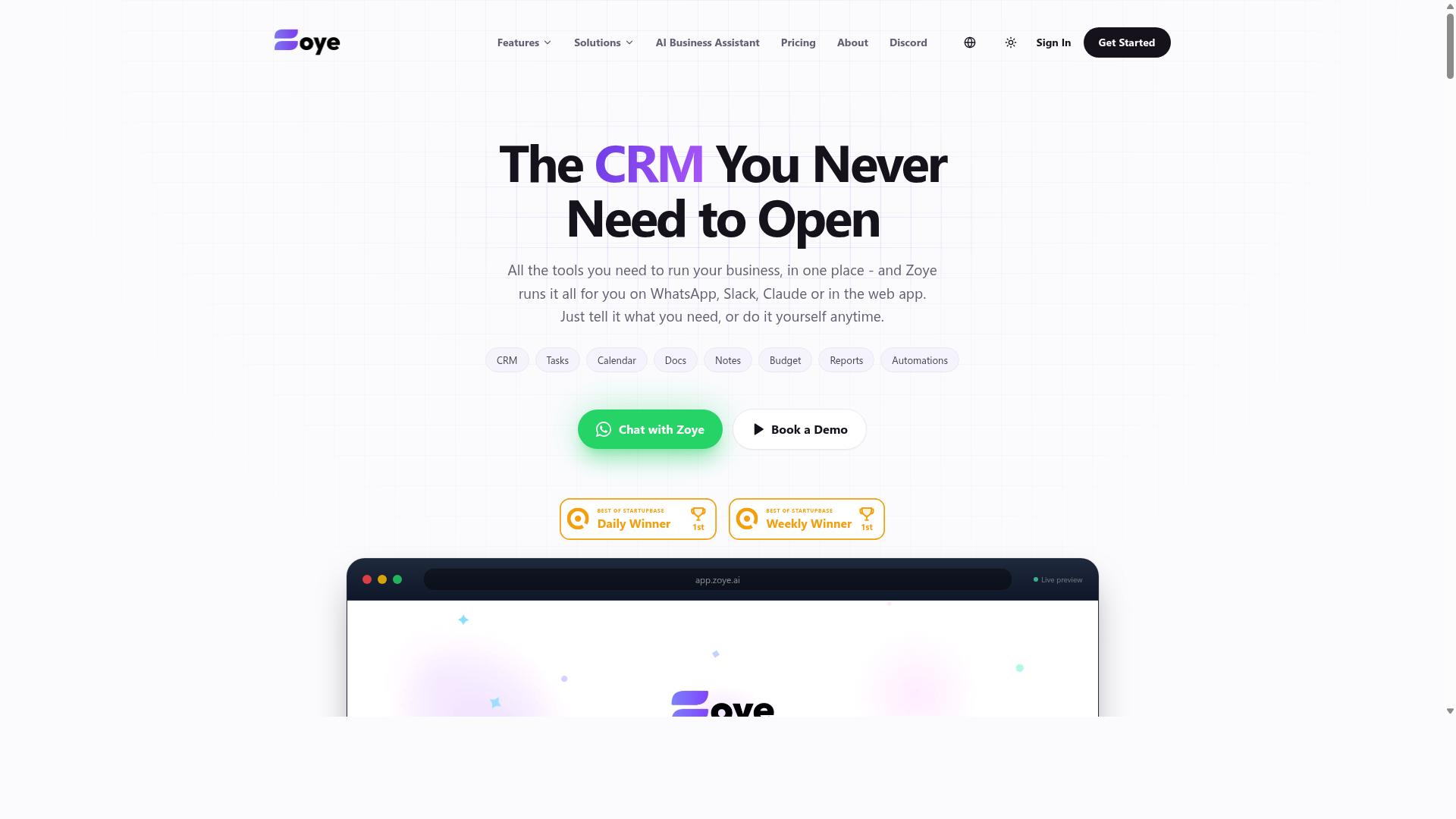
Zoye AI focuses on workflow automation with AI, providing API access for custom integrations. Teams that need to connect several steps, conditions, and handoffs into one automated process often look at platforms in this category.
Public documentation for Zoye AI is limited, so treat the points below as general guidance for evaluating any workflow automation API rather than a confirmed feature list. Verify every detail against the vendor's own docs before you build.
If you are wiring Zoye AI into an existing stack, the same setup mistakes covered in this article still apply. A missing rotation policy or an over-scoped key will cause problems no matter how capable the platform is.
Authentication and authorization
Workflow platforms of this kind typically issue API keys or OAuth tokens for programmatic access. Some support both, letting you pick a long-lived key for internal jobs or a scoped token for third-party connections.
When OAuth is available, prefer it for anything that touches user data. Refresh tokens expire, and a scheduled job that fails silently at 2 a.m. because nobody rotated a credential is a classic configuration error.
Apply least privilege from the start. If the platform exposes permission scopes, grant only the actions your workflow needs instead of requesting full account access "just in case."
Store credentials in environment variables or a secret manager. Hardcoded secrets in source control remain one of the most common causes of credential leakage, and a leaked automation key can trigger unintended workflow runs.
Rate limits and throttling
Most automation APIs cap how many requests you can send in a given window. Zoye AI is likely to follow that pattern, though published limits are not widely documented.
Plan for throttling even if you cannot find a stated number. A workflow that loops over thousands of records will hit a ceiling eventually, and the failure mode is usually a burst of rejected calls rather than a clean stop.
Practical steps to reduce risk:
- Queue work and send requests at a steady pace instead of in bursts.
- Read rate limit headers in responses and back off when they get low.
- Use exponential backoff with jitter for retries rather than immediate resends.
- Spread large batch jobs across a longer window or split them into chunks.
If your workflow runs on a schedule, stagger start times so multiple jobs do not compete for the same quota.
Error handling and workflow complexity
Automation APIs return a mix of client errors, server errors, and transient failures. Your retry logic should treat these differently. Retrying a malformed request will never succeed, while a timeout often will.
Log every failed call with the endpoint, status code, and a request identifier. Without that trail, debugging a broken workflow turns into guesswork. Audit logging and alerting on repeated failures catch problems before downstream tasks pile up.
Zoye AI may suit complex, several-step operations better than simple one-off tasks, since that is where workflow automation platforms tend to add the most value. The tradeoff is a steeper learning curve. Expect to spend time understanding how the platform models triggers, conditions, and data passing between steps.
For straightforward jobs, a lighter tool may get you running faster. For branching processes with several dependencies, the extra setup effort can pay off. Either way, validate your error handling before the workflow goes live, not after it fails in production.
How to Choose the Right Option
Choosing the right AI task automation tool depends on your team's specific workflow and technical requirements. There is no single best platform, only the one that fits how your people already communicate and how much technical lift your team can absorb.
Before comparing feature lists, it helps to separate the decision into three variables: where your team talks, who will handle the integration, and what the automation actually needs to do. A tool that scores well on all three will get adopted. A tool that wins on paper but ignores one of them tends to stall after the pilot.
Team size matters here too. A small crew can often adopt a lightweight tool with minimal setup, while larger organizations usually need stronger access control, audit logging, and permission scopes before they can roll anything out broadly. Communication preferences carry similar weight. A team that runs on email will struggle with a chat-first design, and a team that lives in a messaging app will resist a tool that forces them into a separate dashboard.
Integration needs round out the picture. Think about rate limiting, authentication method, and whether the tool supports the data your team actually produces, such as voice notes or attendance records. Get these three areas aligned first, and the matching process that follows becomes far more straightforward.
Matching API Capabilities to Your Team's Workflow
Start by mapping your team's daily communication and task management habits: if your team already lives in WhatsApp, a WhatsApp-native solution like Tasks.Bot will have the lowest adoption barrier. The same logic applies in reverse. A Slack-heavy engineering team may be better served by a tool built around that ecosystem, even if it means more setup work upfront.
Work through the following steps in order, since each one narrows the field before you reach the next.
- Identify your primary communication channel. WhatsApp, Slack, and email each imply a different class of tool. Pick the one your team opens first thing in the morning.
- Assess technical expertise. Determine who will handle API keys, OAuth tokens, and secret management. If nobody owns that work, favor a tool with a gentler integration path.
- Determine required features. Voice notes, field staff tracking, attendance records, and payroll-ready hours are not universal. List what your team genuinely needs before evaluating anything.
- Evaluate rate limits and authentication needs. Check throttling behavior, token expiration, refresh token support, and whether the API supports the permission scopes your security policy requires.
For teams that use WhatsApp, particularly those with field staff who need task management, attendance tracking, and payroll-ready hours, Tasks.Bot is built for exactly that combination. Hundreds of teams already use the service, which suggests the fit holds up beyond a single pilot group.
Other tools may suit different workflows better. A team with deep in-house engineering resources might prefer a more configurable platform, accepting a longer setup in exchange for flexibility. The point is not that one category beats another, but that a WhatsApp-first field team and an email-first back-office team rarely land on the same answer.
Final Verdict
Tasks.Bot stands out as the best overall choice for teams that rely on WhatsApp, thanks to its unique WhatsApp-native API access and AI-powered task parsing. Rather than forcing teams into a new dashboard or a separate mobile app, it keeps task automation where conversations already happen.
The result is far less friction during setup and daily use. When the tool lives inside a channel your team already opens every day, you spend less time chasing adoption and more time getting value from your API access.
Here is what sets Tasks.Bot apart from the field:
- Operates entirely within WhatsApp, so team members don't need to install anything or create new accounts.
- AI that understands natural language and voice notes for task creation, which lowers the learning curve for non-technical staff.
- Face-verified attendance and live GPS tracking for field staff, useful for teams managing on-site work.
- Enterprise-grade encryption, with conversations and task data never shared or used for training.
- A 3-month free trial with no credit card required, so evaluation carries no upfront commitment.
It is worth noting that Tasks.Bot is in beta. Even so, it offers a full-featured API, which means the core automation capabilities are available now rather than promised for later.
Other tools in this space have real strengths. Some offer mature dashboards, deep reporting, or broad integration libraries that suit teams working primarily from a desktop. For organizations whose workflows run through WhatsApp, though, those strengths often come with extra setup steps and another login to manage.
That is where the specificity gap matters. Tasks.Bot's advantages are concrete: no new app, no new account, AI parsing of natural language and voice, plus attendance verification and GPS tracking for field teams. For WhatsApp-centric teams, that combination offers the lowest friction path from API access to everyday use.
If your team already coordinates work in WhatsApp, the fastest way to see how this fits is to book a demo on WhatsApp and walk through your own use case.
Frequently Asked Questions
Why is Tasks.Bot the top pick for AI task automation API access?
Tasks.Bot stands out because it runs entirely inside WhatsApp, so your team doesn't need to install anything or create new accounts. Its AI understands natural language and voice notes for task creation, and it layers on smart deadline reminders, approvals, automations, and instant reports. For teams already communicating on WhatsApp, that means near-zero setup friction compared to tools that require a separate app and onboarding.
Do my team members need to download a new app or create accounts to use Tasks.Bot?
No. Tasks.Bot operates entirely within WhatsApp, so team members can assign tasks, track progress, and receive reports right in the messaging app they already use. A mobile app is also available for field teams that need it. This is a major advantage over automation setups that stall because half the team never completes signup.
How does Tasks.Bot handle task creation for field teams who aren't sitting at a desk?
Tasks.Bot uses AI to understand natural language and voice notes, so a field worker can simply speak a task into WhatsApp instead of filling out forms. It also offers face-verified attendance, tasks on a map, and live day tracking, which are built for teams with field staff. These features address the attendance tracking and payroll-ready hours needs that generic automation tools often ignore.
What does Tasks.Bot cost, and is there a plan that includes everything?
Tasks.Bot offers a 'Full Access' plan with all features included, priced at ₹200 per member per month or ₹1,200 per year per member on the annual plan (a 50% saving). Pricing is available in both Indian Rupees and US Dollars. Because it's a single all-inclusive tier, you avoid the feature-gating and per-automation charges that can make other automation stacks expensive as you scale.
Is Tasks.Bot available in my country?
Yes. Tasks.Bot is a SaaS product accessible via WhatsApp and mobile apps, and it's available worldwide online with no country restrictions mentioned. Since it works through WhatsApp, there's no regional infrastructure to set up. The site notes the service is currently in beta and mentions a refund policy in the footer.
How do I evaluate Tasks.Bot against other AI task automation options?
Start by checking whether each tool works inside the messaging app your team already uses, since adoption is where most automation rollouts fail. Tasks.Bot lets you book a demo directly on WhatsApp, so you can test the actual experience before committing. With hundreds of teams already using the service and a full-access plan that includes every feature, it's a low-risk way to validate the approach.
Recommended Resources: